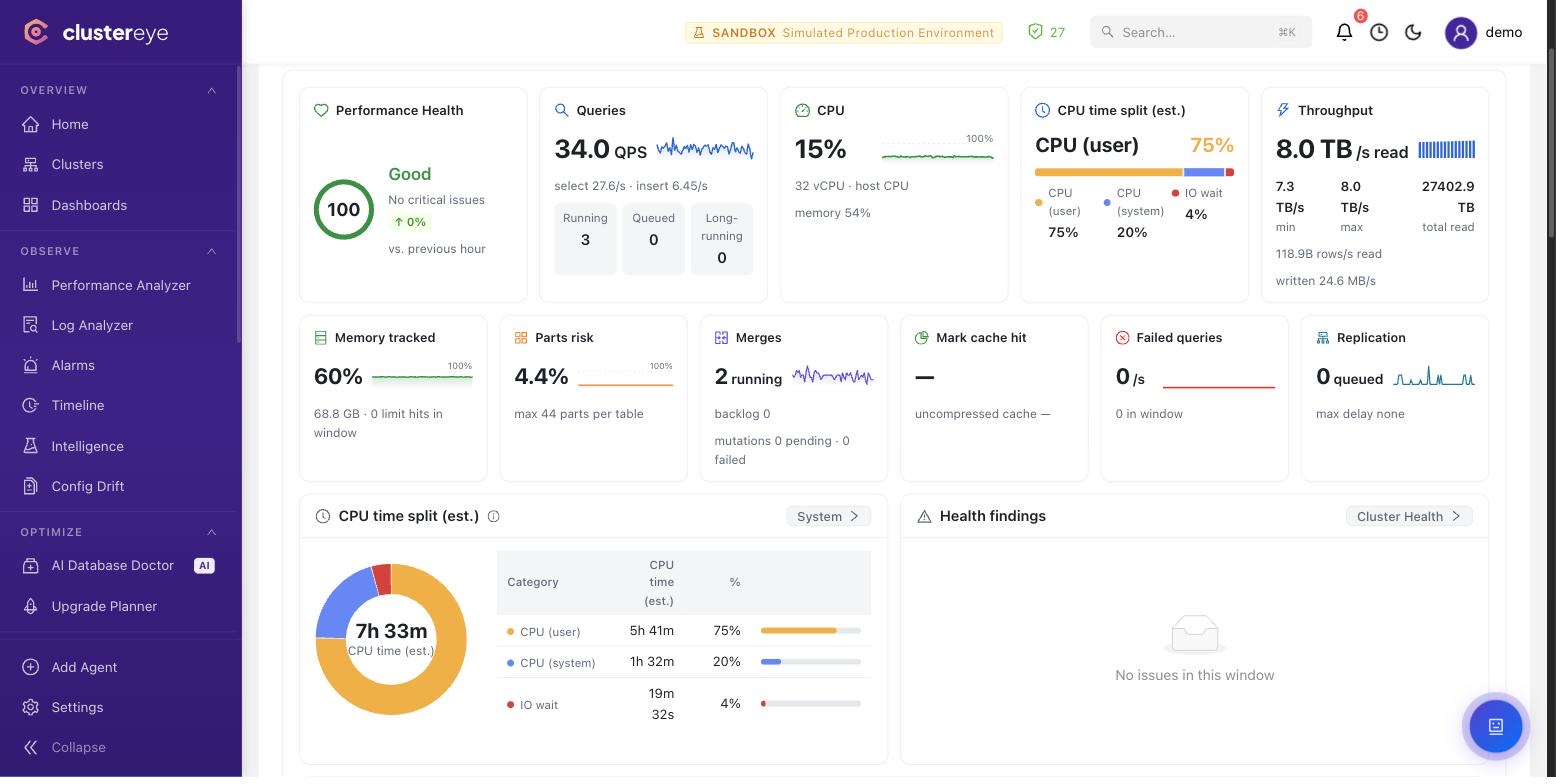
What we read
system.query_log — query history, duration, rows read and memory usage
system.metrics, system.events, system.asynchronous_metrics, system.metric_log — live and historical server metrics
system.parts and system.detached_parts — part counts, size distribution and detached part accumulation
system.merges and system.mutations — in-flight merges and stuck mutations
system.replicas and system.replication_queue — replication lag and queue backlog
system.processes — running queries and their resource consumption
system.disks, system.clusters, system.zookeeper — storage, cluster topology and Keeper state
system.errors and system.settings — error counters and configuration state
What it does specifically for ClickHouse
Query regression detection
Queries from system.query_log are grouped by fingerprint and given a baseline from their own history; those whose duration or bytes read climb abnormally are flagged as anomalies.
MergeTree health
Part counts, merge backlog, stuck mutations and detached part accumulation are tracked — warning before it becomes a 'too many parts' error.
Replication and Keeper visibility
For ReplicatedMergeTree tables, replication queue, lag and Keeper connectivity are tracked, identifying which table is falling behind.
Minimum privileges required
The baseline is read-only and safe to grant in production.
Prerequisites
·The native protocol port (9000) is used — the HTTP interface (8123) is not supported.
·log_queries = 1 (default) — for query intelligence
·metric_log enabled — for per-second metric history
·Keeper configured — for system.zookeeper